
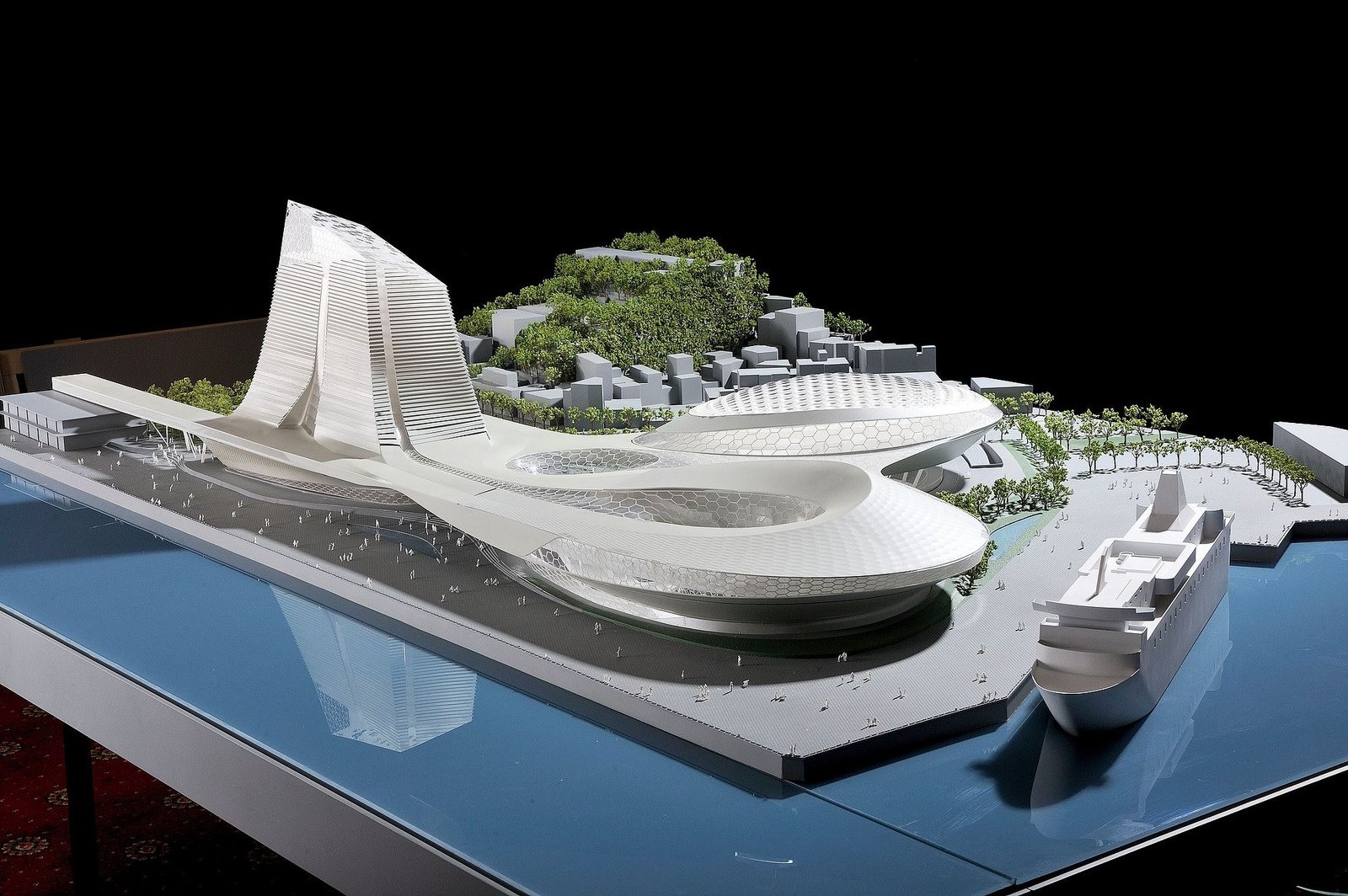
Struggling to manage your thesis? Discover 6 underrated tools that can help architecture students streamline research, organize notes, and focus better.
Writing a thesis is no small feat—especially in architecture, where the research process can involve everything from concept ideation to site analysis and precedent studies. While most students rely on Google Docs and physical notebooks, there’s a whole world of digital tools that can supercharge your process and help you stay organised, inspired, and in control.
Here are six underrated tools that every architecture student should consider using while working on their thesis.
1. Notion – Your All-in-One Research Dashboard
Why it’s useful:
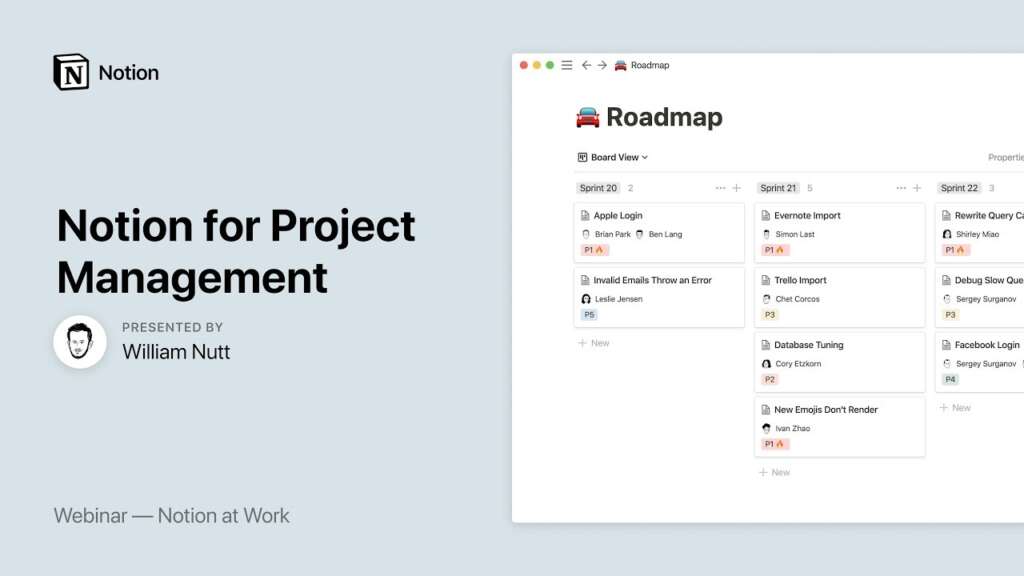
Notion is a flexible workspace where you can create databases, track timelines, embed PDFs, and maintain notes—all in one place. You can build a custom thesis dashboard with sections for your concept evolution, site studies, mentor meeting notes, image references, and deadlines.
Pro tip:
Use the gallery view for visual elements like sketches or precedent images, and set up toggle lists for weekly progress.
2. Zotero – Hassle-Free Citation and Literature Management
Why it’s useful:
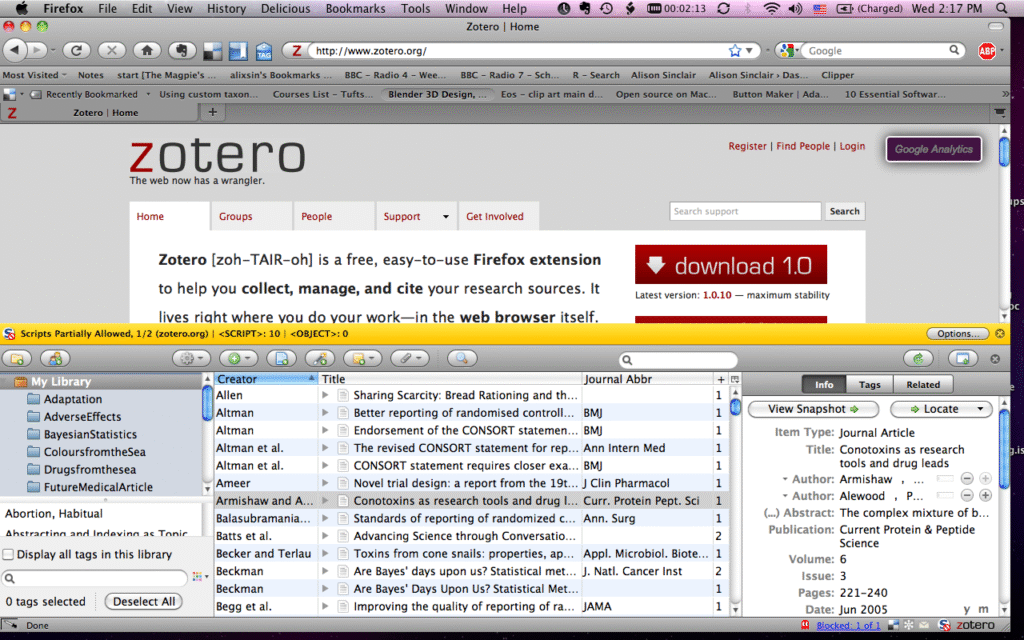
Zotero helps you collect, organize, cite, and share your research sources. It can automatically save metadata from journal articles and websites and generates references in various styles (APA, MLA, etc.).
Pro tip:
Create folders for different sections of your thesis—literature review, theory framework, case studies—and tag them for easier filtering later.
3. Miro – Visual Mind Mapping for Complex Ideas
Why it’s useful:
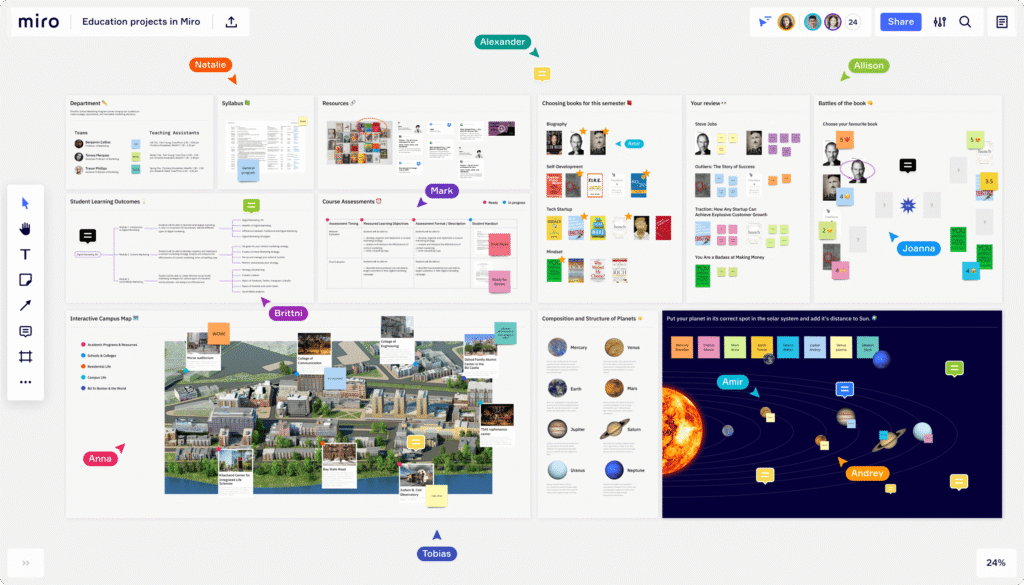
Miro is an online collaborative whiteboard where you can visually map out your thesis concept, research questions, and design evolution. Great for brainstorming, mind-mapping, or linking case studies and site insights.
Pro tip:
Start your thesis with a “problem–solution–impact” map, and link each node to visual references, sketches, or links.
🔗 miro.com
4. Trello – Organise Your Workflow Like a Studio Project
Why it’s useful:
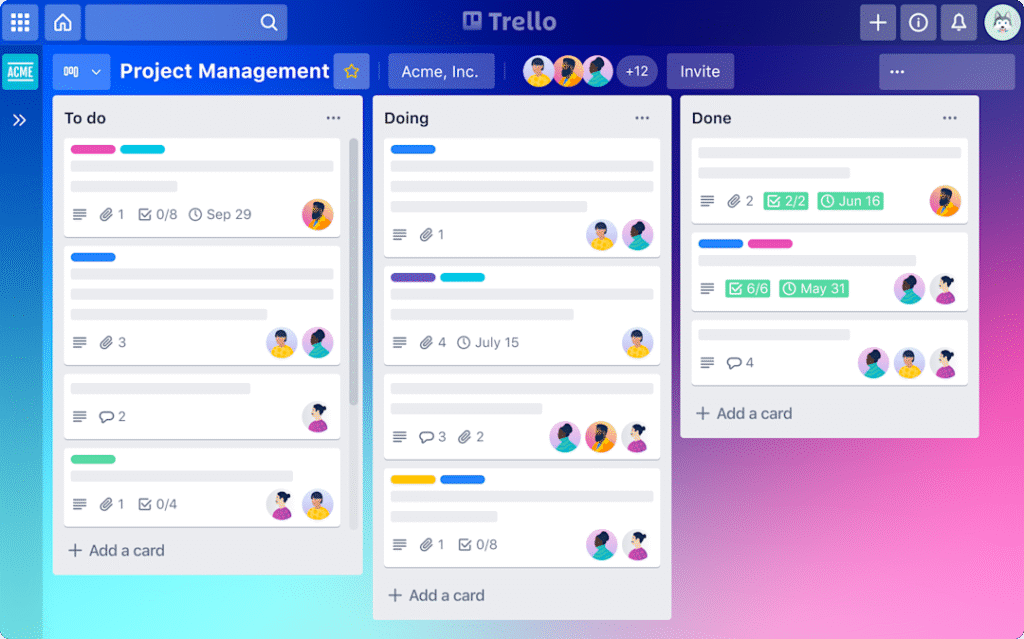
Trello helps you break down your thesis into tasks and stages using boards, lists, and cards. Think of it like your studio pin-up wall—but digital. Organise it into phases: Research, Concept, Design Development, Draft Writing, Review, Final Presentation.
Pro tip:
Attach PDFs, add due dates, and sync your calendar to stay on track with internal deadlines.
5. Perplexity.ai – Smart Search for Deeper Academic Exploration
Why it’s useful:
Think of Perplexity as ChatGPT for research. It fetches real-time academic results, references sources, and helps you dive deeper into niche topics like biophilic principles in urban housing or regional material studies.
Pro tip:
Use it for refining your thesis statement or understanding lesser-known architectural theories.
6. Obsidian – Build Your Own Research Wiki
Why it’s useful:
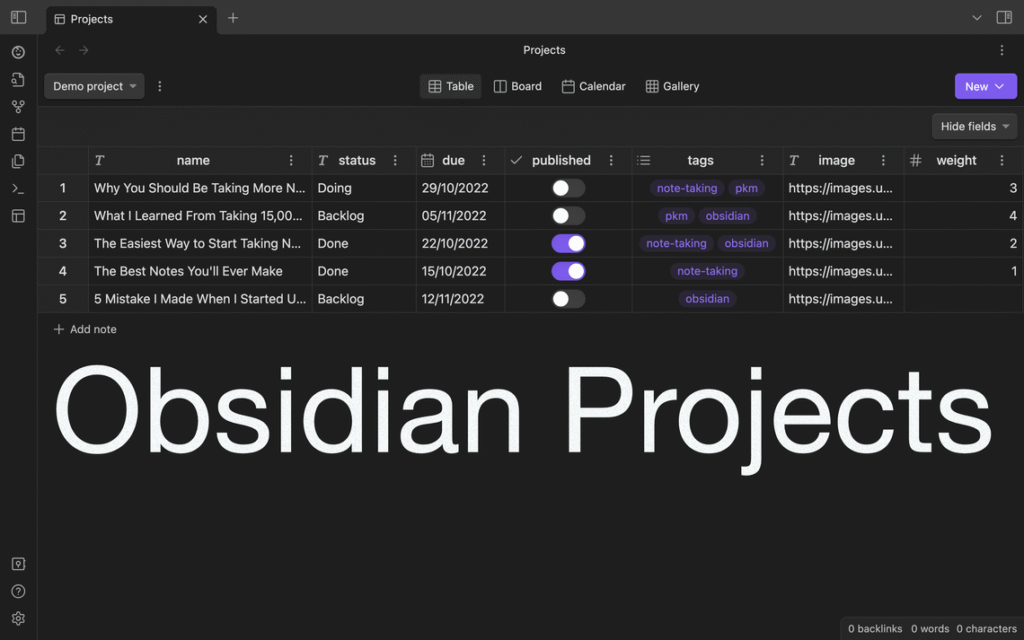
Obsidian is a markdown-based note-taking app that lets you link thoughts like a personal knowledge graph. Perfect for when your research gets dense and interconnected.
Pro tip:
Create bi-directional links between design theory, concept evolution, and site constraints to help you trace your thesis narrative better.
Final Thoughts
Good thesis research isn’t just about collecting data—it’s about managing, analysing, and building a coherent story. Whether you’re exploring vernacular wisdom, spatial justice, or speculative futures, the right digital tools can save you countless hours and help you focus on what really matters: the idea.
Looking for more resources on thesis writing, case studies, and tools?
Explore our full collection on SMART.POV.






Join the discussion