
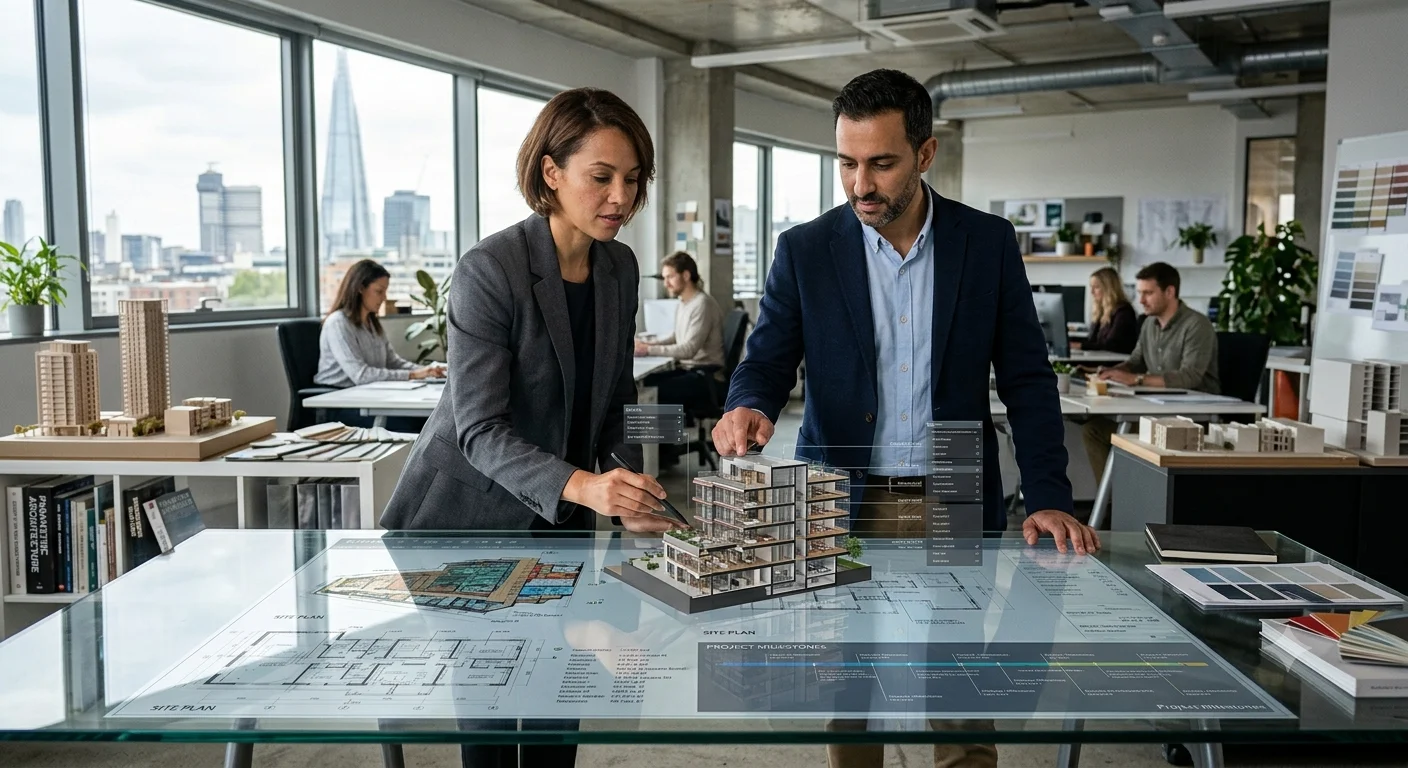
Artificial intelligence is creating new opportunities for architects and interior designers to experiment with ideas and improve their design workflows. Tasks such as developing concept images, exploring materials, generating floor plan options and creating realistic visualisations can now be supported by specialised AI tools.
Whether you are an architecture student, professional architect, interior designer or 3D visualisation artist, these tools can help you explore different approaches and communicate your ideas more effectively.
In this article, we explore 10 useful AI tools for architects and interior designers in 2026, including their features, applications and how they can support different stages of a design project.
Why Are AI Tools Becoming Important in Architecture and Interior Design?
Traditional design processes often involve several stages of research, sketching, modelling, visualisation and presentation. AI tools can support some of these activities by helping professionals explore alternatives more quickly.
Here are some important ways AI is influencing the design industry:
- Faster concept development: Generate multiple design directions from written prompts or reference images.
- Improved visualisation: Turn sketches and model views into more realistic design images.
- Creative exploration: Experiment with colours, materials, lighting and architectural styles.
- Space planning: Explore possible floor plan arrangements and layouts.
- Better presentations: Create visual material to explain design concepts to clients and project teams.
AI should be treated as a design assistant rather than a replacement for professional judgement. Dimensions, building regulations, structural requirements and technical drawings still need proper verification.
10 Best AI Tools for Architects and Interior Designers in 2026
1. Midjourney – Best for Architectural Concept Design
Modern architecture Midjourney style | Andrei Kovalev’s Midlibrary
Midjourney is an AI image-generation platform that helps designers turn written descriptions into visual concepts. Architects can use it to explore building forms, façade treatments, landscape ideas and architectural styles.
Interior designers can experiment with different room aesthetics, furniture arrangements, lighting moods and material combinations before developing a detailed design.
Key applications:
- Generate architectural concept images.
- Explore interior design styles and colour palettes.
- Create mood boards and visual references.
- Develop early-stage presentation ideas.
Best for: Architects, interior designers, students and concept artists.
Website: Visit Midjourney
2. Adobe Firefly – Best for Creative Visualisation
AI Room Design: Transform Your Space with Firefly
Adobe Firefly helps designers generate and edit visual content using AI. It can support architectural concept development by turning text descriptions and reference sketches into visual ideas.
Interior designers can use it to explore different finishes, furniture styles, decorative elements and interior atmospheres. Its image editing capabilities can also help refine presentation visuals.
Key applications:
- Generate building and interior concepts.
- Explore material and colour combinations.
- Transform sketches into visual concepts.
- Edit and refine design images.
- Develop mood boards for presentations.
Best for: Designers who want to create and edit visual concepts.
Website: Visit Adobe Firefly. Firefly.
3. Veras – Best for AI Architectural Rendering
Getting Started with Veras Revit – V1 – Veras Revit – EvolveLAB Forum
Veras is an AI-powered visualisation tool developed by Chaos. It helps architects and designers generate visual variations from sketches, images and existing 3D models.
One of its useful features is its integration with design applications such as Revit, SketchUp and Rhino. Designers can explore alternative materials, façade treatments and visual styles while working with their existing models.
Key applications:
- Convert sketches into architectural visualisations.
- Explore alternative materials and finishes.
- Generate different design variations.
- Create realistic-looking project presentations.
- Experiment with interior and exterior concepts.
Best for: Architects and 3D designers who already work with modelling software.
Website: Visit Veras. Chaos
4. Autodesk Forma – Best for Early-Stage Site and Building Design
Autodesk Forma for Sunlight & Wind Analysis | Microsol Resources
Autodesk Forma supports early-stage building and site design. It helps architects explore building layouts and understand environmental factors that can influence design decisions.
Its capabilities include site analysis and building massing workflows. Autodesk is also expanding AI-supported features across Forma and Revit to help teams explore design options and reduce repetitive work.
Key applications:
- Explore building massing options.
- Analyse site conditions.
- Study daylight, wind and environmental factors.
- Compare early design alternatives.
- Support collaborative planning.
Best for: Architects, urban planners and architecture firms.
Website: Visit Autodesk Forma. Autodesk News
5. D5 Render – Best for 3D Rendering and Visualisation
D5 Render is a real-time rendering platform used to create detailed architectural and interior visualisations. It helps designers present spaces with realistic lighting, materials, furniture and environmental details.
Its AI-supported features can assist with image enhancement and visualisation workflows, while its real-time rendering capabilities allow designers to review design changes more interactively.
Key applications:
- Create realistic interior and exterior renders.
- Visualise lighting and material finishes.
- Produce architectural animations.
- Present residential and commercial projects.
- Improve client presentations.
Best for: Interior designers, architects and 3D visualisation professionals.
Website: Visit D5 Render.
6. TestFit – Best for Site Feasibility and Space Planning
TestFit helps architects and real estate professionals explore site feasibility and building layout options. It can be useful during the early stages of residential and commercial development, when teams need to evaluate how a project might fit within a particular site.
Instead of manually testing every possible arrangement, users can explore different planning scenarios and compare potential outcomes.
Key applications:
- Explore site layouts.
- Study parking and building arrangements.
- Evaluate development possibilities.
- Compare space planning options.
- Support early feasibility studies.
Best for: Architects, developers and planning professionals.
Website: Visit TestFit.
7. Finch 3D – Best for Floor Plan Optimisation
Finch 3D focuses on generative design and architectural floor planning. It helps architects explore different layout possibilities and assess how design decisions affect a building’s spaces.
This can be particularly useful for residential, commercial and multi-unit projects where space efficiency is an important consideration.
Key applications:
- Generate floor plan alternatives.
- Explore spatial arrangements.
- Compare layout possibilities.
- Support early-stage architectural planning.
- Improve design exploration.
Best for: Architects working on floor plans and space planning.
Website: Visit Finch 3D.
8. Maket – Best for Residential Floor Plan Generation
AI Home Design App: Create, Edit & Visualize | Maket
Maket is an AI-supported platform for exploring residential floor plan concepts. It can help users generate layout ideas based on project requirements and experiment with different spatial arrangements.
For architects and designers, it can provide an initial starting point for residential planning. Generated layouts should still be checked against actual site conditions, dimensions and building regulations.
Key applications:
- Explore residential floor plan ideas.
- Generate alternative layouts.
- Experiment with room arrangements.
- Support early design discussions.
- Develop initial planning concepts.
Best for: Residential designers, architects and students.
Website: Visit Maket.
9. Interior AI – Best for Interior Design Inspiration
RoomGPT Alternative for AI Room Design | AI Home Design
Interior AI helps users explore different interior design styles using room images and AI-generated transformations. It can be useful when designers want to visualise how a room might look with a different aesthetic or furnishing approach.
For example, an existing room image can be used to explore contemporary, minimalist, Scandinavian or industrial-inspired interiors.
Key applications:
- Explore different interior design styles.
- Generate room redesign concepts.
- Experiment with furniture and décor ideas.
- Create virtual staging visuals.
- Prepare inspiration images for clients.
Best for: Interior designers, homeowners and visual content creators.
Website: Visit Interior AI.
10. Magnific AI – Best for Improving Design Images
How to use Magnific AI Image Upscaler: A comprehensive guide | Magnific Blog
Magnific AI is an image enhancement and upscaling platform. It can help designers improve the appearance and detail of visual material used in architectural presentations.
It is especially useful when working with concept images, presentation boards and visual references that need additional clarity. However, AI enhancement can introduce details that were not present in the original image, so outputs should be reviewed carefully.
Key applications:
- Upscale design images.
- Enhance visual details.
- Improve presentation graphics.
- Refine architectural concept images.
- Prepare high-resolution visual references.
Best for: Architects, interior designers and visualisation artists.
Website: Visit Magnific AI.
Quick Comparison of the Best AI Design Tools
| AI tool | Main purpose | Best suited for |
|---|---|---|
| Midjourney | Concept images | Creative exploration |
| Adobe Firefly | Image generation and editing | Design visuals |
| Veras | AI rendering | Architects and 3D designers |
| Autodesk Forma | Site and building design | Architecture firms |
| D5 Render | Real-time rendering | 3D visualisation |
| TestFit | Site feasibility | Developers and architects |
| Finch 3D | Floor plan optimisation | Space planning |
| Maket | Residential floor plans | Residential design |
| Interior AI | Room redesign | Interior design |
| Magnific AI | Image enhancement | Presentation visuals |
Features and subscription plans can change. Check each provider’s website for current access, pricing and compatibility.
How to Choose the Right AI Tool for Your Design Projects
Not every AI tool is designed for the same purpose. Before selecting one, consider the type of work you regularly undertake.
1. Identify Your Design Requirements
Start by understanding whether you need help with concept development, floor planning, 3D modelling, rendering or image editing. Choose a tool that addresses your actual workflow rather than selecting software simply because it uses AI.
2. Check Software Compatibility
If you already use applications such as Revit, SketchUp or Rhino, look for AI tools that integrate with your existing software. This can help reduce unnecessary changes to your workflow.
3. Consider Ease of Use
Some platforms are designed for beginners, while others require experience with architectural modelling and visualisation. Choose software that matches your technical knowledge and project requirements.
4. Review Output Quality
Always examine generated images, layouts and models before using them in professional presentations. AI-generated visuals may contain inaccurate dimensions, materials or construction details.
5. Compare Pricing and Access
Check whether the tool offers a free plan, trial or paid subscription. Also review usage limits, commercial licensing and the terms for using generated images.
Benefits of Using AI in Architecture and Interior Design
AI can support different stages of the design process when used thoughtfully.
- More design possibilities: Explore several visual directions before finalising a concept.
- Time-saving workflows: Reduce time spent on selected repetitive creative tasks.
- Better client communication: Use visual concepts to explain ideas more clearly.
- Material exploration: Compare different finishes, textures and colour combinations.
- Creative inspiration: Discover new approaches to architectural forms and interior spaces.
However, AI-generated results should not be treated as final construction documents or verified technical solutions.
Challenges and Limitations of AI Design Tools
Although AI offers many advantages, architects and interior designers should understand its limitations.
- Design accuracy: Generated images may not represent buildable designs.
- Incorrect dimensions: Floor plans and room layouts need manual verification.
- Copyright and licensing: Users should review the licensing conditions of each platform and any uploaded reference material.
- Limited design control: Some image generators may change details that designers intended to preserve.
- Professional responsibility: Architects and designers remain responsible for technical decisions, safety and compliance.
The most effective approach is to combine AI-generated ideas with professional expertise and careful design review.
The Future of AI in Architecture and Interior Design
AI is moving beyond simple image generation. Newer design workflows are connecting concept development, building information, site analysis and project documentation.
For example, Autodesk’s 2026 updates describe AI-supported workflows across Forma and Revit, including building layout exploration and assistance with repetitive documentation tasks. Autodesk News
As these technologies develop, architects and interior designers may be able to spend less time on repetitive activities and more time focusing on design quality, sustainability, functionality and the experience of the people who use their spaces.
AI will not remove the need for creative thinking. Instead, it can give professionals more ways to test, communicate and refine their ideas.






Join the discussion